
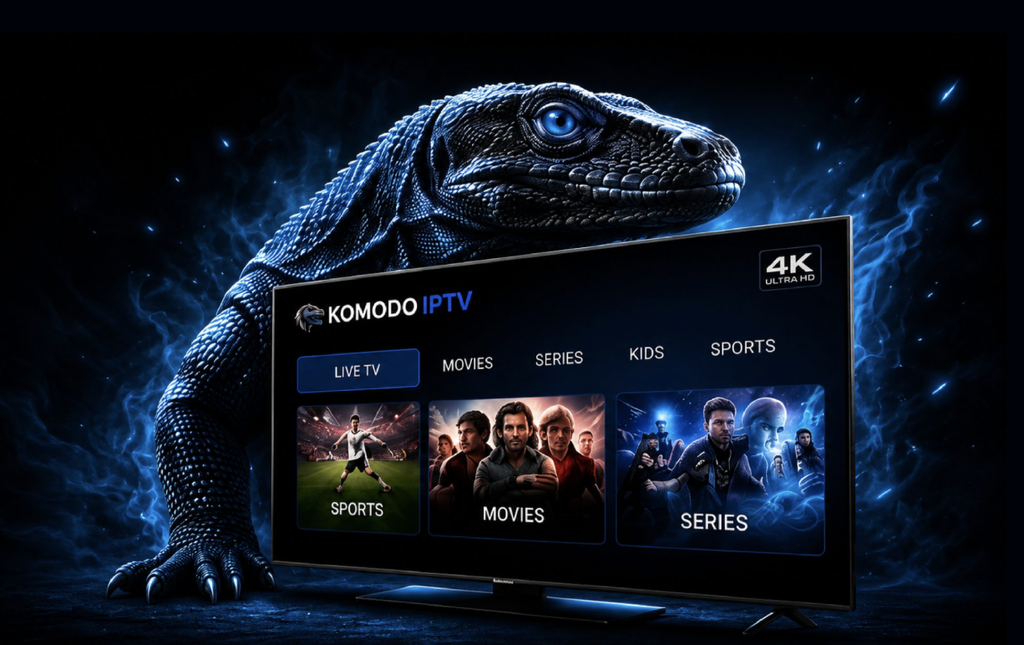
Searching for Komodo IPTV, Komodo TV Plus, Komodos IPTV, Komod IPTV, or Komodiptv.com? Visit https://komodoiptv.com/ – the original Komodo IPTV website. Always verify the official domain and logo!
Searching for Komodo IPTV? Find the Original Komodo IPTV Website
Are you searching for Komodo IPTV, Komodo TV Plus, Komodos IPTV, Komod IPTV, or Komodiptv.com? If you want to find the original Komodo IPTV website, it is important to verify the correct domain before visiting a website, requesting a subscription, or contacting customer support.
The official Komodo IPTV website is:
When searching for Komodo IPTV on Google, you may see different search results with similar names, spelling variations, or website addresses. This can sometimes make it difficult to identify the correct website.
To avoid confusion, always check the official domain and look for the original Komodo IPTV logo.
Why Do Different Websites Appear When Searching for Komodo IPTV?
When you search for a brand name on Google, search results can include websites with similar domain names, related keywords, and alternative spellings.
For example, someone searching for Komodo IPTV might also encounter search results containing words such as Komodo TV, Komodos IPTV, or Komod IPTV.
However, a similar website name does not automatically mean that the website belongs to the original provider.
That is why checking the exact website address is important.
If you are looking for the original Komodo IPTV provider, visit:
How to Find the Original Komodo IPTV Website
There are a few simple ways to make sure you are visiting the correct website.
1. Check the Website Domain
The most important verification step is checking the complete domain name.
The original Komodo IPTV website uses:
komodoiptv.com
Pay attention to spelling, additional words, and different domain extensions. Even a small difference in a website address can take you to an unrelated website.
For the official Komodo IPTV website, use:
2. Look for the Original Komodo IPTV Logo
Brand recognition is another useful way to identify the correct website.
When visiting a website claiming to represent Komodo IPTV, look for the original Komodo IPTV logo and compare it with the branding displayed on the official website.
Keep in mind that images and logos can be copied. Therefore, always verify the domain rather than relying on the logo alone.
3. Verify the Official Contact Information
Before purchasing a subscription or sharing account information, check whether the website provides the correct official contact channels.
Use the contact information published on the official Komodo IPTV website.
If you are uncertain about a website or subscription offer, contact the official support team to verify the information.
Searching for Komodo TV Plus or Komodos IPTV?
Some users may search for Komodo IPTV using different spellings or related phrases.
You might see search terms such as: