
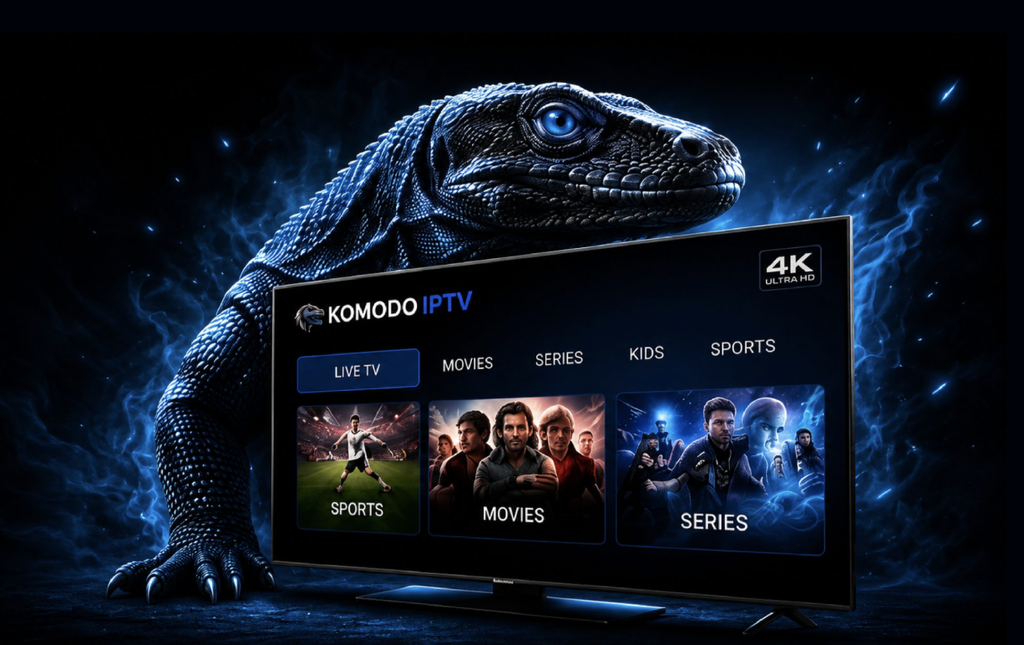
Komodo IPTV Customer Support Need help with Komodo IPTV? Contact our customer support team for assistance with installation, subscriptions, login issues, and technical troubleshooting. We’re here to help 24/7.
Komodo IPTV Customer Support – 24/7 Assistance for Our Customers
Welcome to Komodo IPTV Customer Support. We understand that customers may sometimes need assistance with subscriptions, installation, login credentials, streaming applications, or technical issues. Our support team is available to help customers get started and enjoy a smoother IPTV experience.
At Komodo IPTV, we aim to make customer support simple, accessible, and convenient. Whether you are a new customer setting up your subscription or an existing customer experiencing a technical issue, our team is ready to assist.
24/7 Komodo IPTV Customer Support
Getting assistance should be easy. That’s why Komodo IPTV provides customer support through multiple contact options.
You can contact our support team for help with:
- Subscription activation and renewal
- Login and password problems
- IPTV application installation
- Device compatibility and setup
- Playlist configuration
- Channel availability questions
- Buffering, freezing, and playback issues
- General account and subscription questions
Our goal is to understand your issue and guide you through the appropriate solution.
Need Help Installing the Komodo IPTV App?
If you are a new customer, our support team can guide you through the installation process.
Depending on your device, we can provide instructions for supported platforms, including:
- Amazon Firestick and Fire TV
- Android TV and Google TV
- Android smartphones and tablets
- Compatible Smart TVs
- Other supported streaming devices
If you are unsure which application to use, simply tell our team the name of your device. We will help you identify a suitable setup method.
Komodo IPTV Login and Subscription Assistance
Having trouble logging in? Our support team can help you check your subscription details and troubleshoot common login problems.
For faster assistance, please provide:
- Your device name
- The IPTV application you are using
- A screenshot of the error message, if possible
- A brief explanation of the problem
This information helps our team understand the issue and provide more accurate instructions.
For security, never share your payment card details or account password in public messages.
Looking for Specific Channels?
If you are searching for a particular channel, country, or entertainment category, let our support team know what you need.
Komodo IPTV offers a large selection of available channels, and customers can contact support to check whether specific channels can be added to their playlists.
Simply provide the channel names you are looking for, and our team will check availability.
How to Contact Komodo IPTV Customer Support
We make it easy for customers to reach us through the following contact methods.
1. Live Chat Support
Visit our website and contact our team through live chat for assistance with installation, subscriptions, and technical questions.
2. Email Support
Send your questions to our support email address:
Please include your device name and a description of your issue so we can assist you more efficiently.
3. Official Website
Visit our official website for subscription information, service details, and customer assistance:
Why Contact Komodo IPTV Support?
We understand that good customer support is an important part of the overall streaming experience.
Our support approach focuses on:
- Accessible customer assistance
- Clear installation instructions
- Help with subscription questions
- Technical troubleshooting guidance
- Assistance with supported devices
- Checking requests for specific channels
We aim to make the support process straightforward, whether you are setting up your service for the first time or need help with an existing subscription.
Frequently Asked Questions About Komodo IPTV Support
Is Komodo IPTV customer support available 24/7?
Komodo IPTV advertises 24/7 customer support. Customers can contact the team through the available support channels.
How can I get help installing Komodo IPTV?
Contact our support team and tell us which device you are using. We can provide relevant installation instructions.
What should I do if my IPTV is not working?
Contact support with your device name, application name, and a screenshot of the error message if possible. Our team can help investigate the issue.
Can I request specific channels?
Yes. Send us the channel names you are looking for, and our team can check their availability.
How can I contact Komodo IPTV?
You can contact us through our website’s live chat or email us at iptvkomodo@gmail.com.
Contact Komodo IPTV Customer Support Today
Need help with your subscription, installation, login, or streaming setup? Our customer support team is ready to assist.
Visit https://komodoiptv.com/ or email iptvkomodo@gmail.com to get in touch.
Komodo IPTV – Customer Support When You Need Assistance.