
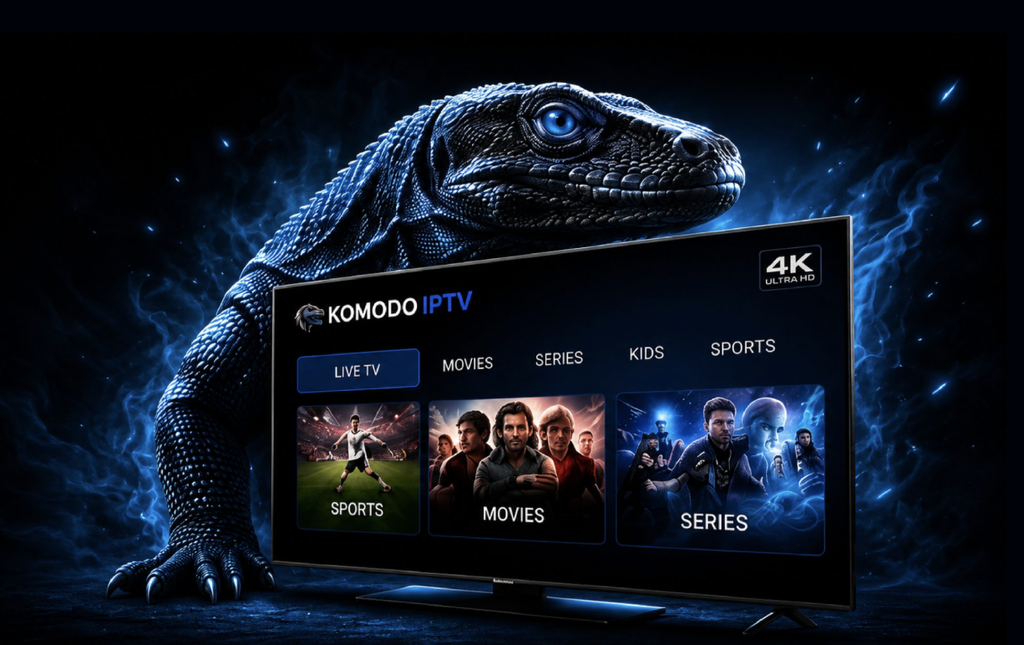
Read our Komodo IPTV honest review for 2026. See real-world testing on 6,000+ live channels, sports stream stability, multi-device limits, setup steps, and 8 key pros and cons.
Writing a truly useful Komodo IPTV honest review means looking past flashy marketing claims to examine how the platform performs during real weekend sports broadcasts, fast channel switching, and multi-device household streaming. When you are considering canceling a $120-a-month cable or satellite contract, you need clear, unfiltered facts about server stability, picture quality, app compatibility, and potential drawbacks before spending a dollar.
In this 2026 Komodo IPTV honest review, we evaluate everyday usability across popular streaming devices, share eight real-world pros and cons, break down network requirements, and explain how to avoid common buffering traps.
Why Trust This Komodo IPTV Honest Review?
Many online summaries simply repeat brochure bullet points without explaining what happens during peak evening traffic. To make this Komodo IPTV honest review genuinely helpful for cord-cutters, we focused on the exact practical criteria that determine whether an internet television service works reliably at home:
- Live Sports Peak-Hour Load: How 1080p and 60fps streams hold up during Saturday afternoon football matches and major evening pay-per-view (PPV) fight nights.
- Playlist & TV Guide Syncing: How fast Xtream Codes API and M3U credentials load channels and Electronic Program Guide (EPG) schedules inside third-party players.
- Multi-Room Household Performance: Whether running three simultaneous streams on separate screens causes connection drops or playback errors.
- Transparent Billing & Flexibility: Whether prepaid plans available through the official Komodo IPTV website avoid hidden hardware fees and restrictive contracts.
[Image Slot 1: Insert a real screenshot of your TV or streaming app showing the live TV guide/EPG loaded, and set its Alt Text to: Komodo IPTV honest review]
What You Actually Get with an Active Subscription
Before diving into the pros and cons of our Komodo IPTV honest review, here is a clear look at what comes standard when you activate an account on Komodo IPTV:
- 6,000+ Live Television Channels: Coverage spans local US, UK, and Canadian networks alongside international broadcasts, breaking news channels, documentaries, and kids’ entertainment.
- Live Sports & Major PPV Events: Access to domestic and international football leagues, motorsports, combat sports, and live PPV events without separate per-event surcharges.
- Video-on-Demand (VOD) Library: Thousands of movies and complete television series organized by genre and release year for on-demand playback.
- Built-In Electronic Program Guide (EPG): A digital TV schedule displaying current and upcoming broadcasts so you can browse channels like traditional cable.
- Up to 3 Simultaneous Connections: Standard accounts allow up to three screens to stream at the exact same moment under one subscription.
Related Guide: Want to compare individual billing durations and multi-month discounts? Check out our full breakdown of current Komodo IPTV pricing options and active subscription plans.
8 Real Pros and Cons in Our Komodo IPTV Honest Review
No streaming platform is completely flawless, and an objective Komodo IPTV honest review should highlight both where the service excels and what requirements you need on your end for smooth playback.
1. Massive Savings Over Traditional Cable (Pro)
Traditional cable and satellite packages routinely exceed $110 to $160 per month once regional sports fees, broadcast surcharges, and equipment rentals are added. Switching to a prepaid internet TV plan cuts annual entertainment spending dramatically while keeping live sports and local channels accessible.
2. Fast Digital Activation in Under Five Minutes (Pro)
After completing checkout, login credentials arrive via email quickly. Entering your Xtream Codes API details (Server URL, Username, and Password) into a media player syncs your live channels and EPG schedule in roughly 30 to 60 seconds.
3. Smooth Channel Zapping and Crisp HD/4K Quality (Pro)
On a stable broadband connection, switching between live channels takes roughly 1.5 to 2.5 seconds. Sports broadcasts and major entertainment networks maintain sharp HD and 4K clarity without noticeable compression artifacts.
4. Three Simultaneous Streams Included Standard (Pro)
Many competing providers charge extra for multi-room viewing or restrict basic accounts to a single screen. Including up to three concurrent connections makes it easy for families to watch live sports in the living room while others stream movies in separate rooms.
5. Zero Contracts or Equipment Rental Fees (Pro)
Every plan is 100% prepaid with no early termination penalties. Because everything runs through software apps on streaming sticks, smart TVs, phones, and laptops you already own, you never pay monthly box rental fees.
6. Requires Steady Broadband Speed (Con)
Unlike satellite television that receives signals from an outdoor dish, internet television depends entirely on your home internet stability. Before subscribing, run a quick speed check on Speedtest by Ookla to ensure you have at least 25 Mbps for single-screen HD streaming and 50 Mbps or higher for 4K or multi-room viewing.
7. Requires a Third-Party IPTV Media Player (Con)
If you are accustomed to plugging in a pre-configured cable box, keep in mind that you will need to download a trusted player app—such as TiviMate, IPTV Smarters Pro, or IBO Player—and type in your login credentials once during initial setup.
8. Evening ISP Throttling May Require a VPN (Con)
Some internet service providers automatically slow down sustained video streaming traffic during peak evening hours (7:00 PM to 11:00 PM). Pairing your streaming device with a lightweight VPN prevents ISP throttling and keeps routing speeds consistent.
[Image Slot 2: Insert an image showing a Firestick, Smart TV, or Speedtest result, and set its Alt Text to: live streaming speed test setup]
Komodo IPTV Honest Review: Side-by-Side Comparison
To put this Komodo IPTV honest review into clear perspective, compare how the service stacks up against traditional cable television and mainstream live TV bundles:
| Evaluation Factor | Komodo IPTV | Traditional Cable TV | Mainstream Live TV Apps |
|---|---|---|---|
| Monthly Cost | Budget-friendly prepaid rate | $110–$160/month | $75–$95/month |
| Contract Commitment | None (cancel anytime) | 12–24 months | Month-to-month |
| Equipment Rental Fees | $0 (uses your own hardware) | $10–$25/month per box | $0 |
| Live Sports & PPV | Included in standard plan | Extra tiers + PPV fees | Limited / expensive add-ons |
| Simultaneous Devices | Up to 3 streams included | Extra monthly fee per room | 2 to 3 streams |
| Channel & VOD Volume | 6,000+ live + huge VOD library | 150–300 channels | 80–120 channels |
Helpful Resource: Deciding whether to start short-term or lock in annual savings? Compare our month-to-month subscription guide and annual subscription breakdown.
Compatible Devices and Quick 4-Step Setup
A major highlight of our Komodo IPTV honest review is broad hardware compatibility. You can run your account on almost any screen in your house:
- Streaming Sticks & Boxes: Amazon Fire TV Stick (4K, 4K Max, Lite), NVIDIA Shield TV, Chromecast with Google TV, and Android TV boxes.
- Smart Televisions: Samsung (Tizen), LG (webOS), Sony, and TCL smart TVs.
- Mobile & Desktop Computers: iPhone, iPad, Android smartphones and tablets, Windows PCs, and MacBooks.
[Image Slot 3: Insert a graphic or photo of compatible streaming devices (Firestick, Smart TV, Smartphone), and set its Alt Text to: compatible streaming devices for IPTV]
How to Set Up Your Account in 4 Easy Steps
- Install a Media Player App: Download TiviMate (recommended for Firestick and Android TV) or IPTV Smarters Pro (ideal for Smart TVs, iOS, and desktop).
- Locate Your Activation Email: Open the confirmation message sent after ordering through the Komodo IPTV homepage to copy your Xtream Codes API details.
- Add Your Playlist Credentials: Open your player app, choose Login with Xtream Codes API, and enter your Server URL, Username, and Password.
- Sync Channels and Start Watching: Wait 30 to 60 seconds for the channel groups, VOD library, and EPG TV guide to finish loading, then select any channel to begin streaming.
Proven Tips to Prevent Buffering During Live Events
Even after reading a positive Komodo IPTV honest review, your home network setup plays a huge role in daily reliability. Apply these four simple optimizations for smooth, buffer-free playback:
- Use Wired Ethernet When Possible: Connecting your smart TV or streaming box directly to your router with an Ethernet cable eliminates Wi-Fi signal drops and neighbor interference.
- Switch to 5GHz Wi-Fi: If you must use wireless, connect to your router’s 5GHz band rather than the slower, congested 2.4GHz band.
- Enable Hardware Decoding: Inside your IPTV player’s playback settings, keep Hardware Decoder turned on so your device’s video chip processes HD and 4K feeds smoothly.
- Clear Player Cache Monthly: Clearing cached EPG images inside your device settings every few weeks keeps older streaming sticks running fast.