
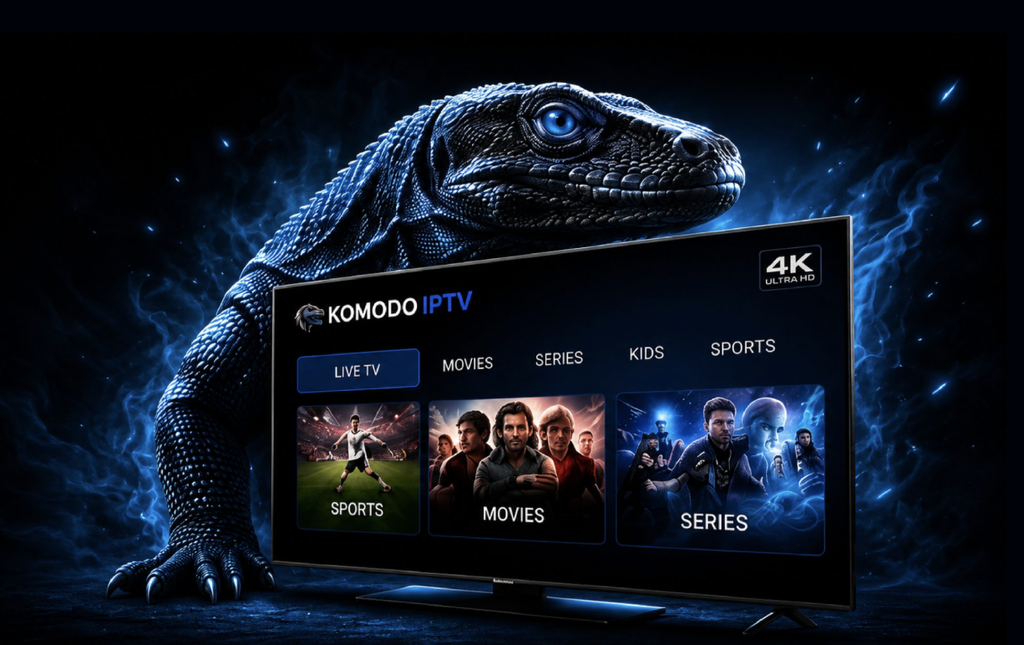
Discover how a Komodo IPTV yearly subscription helps you stream 78,000+ live channels, sports, and movies in HD while cutting high monthly cable bills.
Choosing a Komodo IPTV yearly subscription is one of the most practical ways to cut expensive monthly cable bills while keeping full access to live sports, international news, and on-demand movies. Instead of paying for multiple separate streaming apps every month, viewers can consolidate their home entertainment into one predictable annual plan.
Whether you are switching from traditional satellite TV or comparing 12-month streaming plans, knowing what to check before subscribing will save you money and prevent buffering issues. Below is everything you need to know about features, setup, device compatibility, and smart buying tips.
What Is a Komodo IPTV Yearly Subscription?
A Komodo IPTV yearly subscription is a 12-month internet television package that delivers live TV channels, pay-per-view (PPV) sports events, and video-on-demand (VOD) libraries over your broadband internet connection. Unlike traditional cable or satellite providers, Internet Protocol Television streams content directly to your smart TV, streaming stick, smartphone, or computer without requiring a dish or cable box.
Most annual IPTV packages provide:
- Thousands of Live Channels: Access to local broadcasts, entertainment networks, kids’ programming, documentaries, and international channels.
- Live Sports & PPV Events: Coverage of major football leagues, combat sports, motorsports, and live tournaments.
- On-Demand Movies & Series: Updated libraries of movies and TV shows you can watch anytime.
- Electronic Program Guide (EPG): A built-in digital TV schedule so you can browse upcoming shows easily.
Services such as Komodo TV Plus highlight HD streaming access across thousands of live channels and on-demand titles without long-term cable contracts.
Top Benefits of Choosing an Annual IPTV Plan
Upgrading to a Komodo IPTV yearly subscription gives households several clear advantages over month-to-month billing:
- Significant Cost Savings: Paying once for 12 months typically lowers your effective monthly cost by 30% to 45% compared to renewing every 30 days.
- Predictable Annual Budgeting: One single payment covers a full year of entertainment with zero surprise price hikes or hidden equipment rental fees.
- Uninterrupted Access: You do not have to worry about monthly renewal reminders or service interruptions during major sports finals or season premieres.
- Use Hardware You Already Own: You can stream right away on your existing Firestick, Android TV, smart TV, or phone.
Related Guide: New to streaming apps? Read our step-by-step tutorial on How to Install and Configure IPTV Players on Any Device.
7 Proven Tips Before Buying Your Komodo IPTV Yearly Subscription
Before locking in a Komodo IPTV yearly subscription, follow these seven practical steps to ensure reliable playback and maximum value:
1. Test Stream Quality with a Short Trial First
Whenever possible, test the service for 24 hours or one month before paying for a full year. Watch live sports during peak evening hours to verify that servers stay fast and buffer-free under heavy traffic.
2. Check Your Home Internet Speed
Smooth HD and 4K IPTV playback depends heavily on a stable internet connection. Run a quick speed check on Speedtest by Ookla to confirm you have at least 25 Mbps for HD streams and 50 Mbps or higher for 4K content.
3. Verify Simultaneous Connection Limits
Check how many screens can stream at the exact same time under one Komodo IPTV yearly subscription. If two or three family members watch TV in separate rooms simultaneously, choose a multi-connection plan so nobody gets disconnected.
4. Confirm Electronic Program Guide (EPG) and Catch-Up Support
A well-organized TV guide makes channel browsing much easier. Make sure your subscription includes working EPG data and Catch-Up TV so you can replay programs you missed earlier in the week.
5. Review Channel Lists for Your Specific Region
Do not choose a plan based only on a high total channel number. Verify that the exact sports networks, local channels, and language packages you watch daily are actively included.
6. Read Payment and Refund Policies Carefully
Use secure payment methods and check the provider’s refund terms before completing checkout. Many annual digital subscriptions carry strict refund rules once your login credentials are activated.
7. Use a Reliable VPN for Consistent Routing
Some internet service providers throttle video streaming traffic during peak evening hours. Pairing your Komodo IPTV yearly subscription with a reputable VPN helps prevent ISP throttling and keeps your connection private.
Supported Devices and Easy Setup Guide
Setting up a Komodo IPTV yearly subscription takes less than five minutes on almost any modern streaming device:
- Streaming Sticks & Boxes: Amazon Fire TV Stick, NVIDIA Shield TV, Chromecast with Google TV, and Android TV boxes.
- Smart Televisions: Samsung, LG, Sony, and TCL smart TVs supporting popular IPTV media players.
- Mobile & Desktop Devices: iPhone, iPad, Android smartphones and tablets, Windows PCs, and MacBooks.
Quick 4-Step Setup Process
- Download an IPTV Player: Install a trusted player app (such as Tivimate, IPTV Smarters Pro, or IBO Player) on your device.
- Locate Your Login Details: Open the confirmation email from your provider containing your Xtream Codes API details (Server URL, Username, and Password) or M3U Playlist URL.
- Enter Your Credentials: Open the player app, select Add Playlist, and enter your login information.
- Load Channels & EPG: Wait 30 to 60 seconds for the live channels, VOD library, and TV guide to sync, then start watching.
Helpful Resource: Compare the top apps in our breakdown of the Best IPTV Players for Firestick and Smart TVs.
Monthly vs. Yearly IPTV Plans: Quick Comparison
If you are deciding between paying month-to-month or choosing a Komodo IPTV yearly subscription, here is how the two options compare:
| Feature | Monthly IPTV Plan | Komodo IPTV Yearly Subscription |
|---|---|---|
| Upfront Cost | Lower initial payment | Higher single upfront payment |
| Effective Monthly Price | Standard full rate | 30%–45% cheaper per month |
| Billing Frequency | Every 30 days | Once every 12 months |
| Channel & VOD Access | Full live TV & VOD library | Full live TV & VOD library |
| Best For | First-time testers | Long-term daily viewers & families |
How to Fix Common IPTV Buffering Issues
Even with a fast Komodo IPTV yearly subscription, occasional buffering can happen due to home network bottlenecks. Try these quick fixes if a channel freezes:
- Switch to Wired Ethernet: Connecting your TV or streaming box directly to your router eliminates Wi-Fi interference.
- Restart Your Router and Streaming Device: Unplugging your modem and streaming stick for 30 seconds clears cached network congestion.
- Clear App Cache: Go into your device settings and clear the cache of your IPTV player app every few weeks.
- Toggle Hardware/Software Decoding: Inside your IPTV player’s playback settings, switch between hardware and software decoders to find the smoothest setting for your device.
Frequently Asked Questions (FAQ)
How much does a Komodo IPTV yearly subscription cost?
The price of a Komodo IPTV yearly subscription varies depending on the provider tier and the number of simultaneous device connections you select. In general, 12-month IPTV plans cost significantly less per month than standalone monthly plans, which often run around $25 to $30 per month.
Can I install my Komodo IPTV yearly subscription on multiple devices?
Yes. You can install your IPTV app and log into your account on your living room TV, bedroom Firestick, and smartphone. However, the number of devices that can stream at the exact same moment depends on the connection limit included in your plan.
Do I need a satellite dish or cable box?
No. A Komodo IPTV yearly subscription works 100% over your existing broadband internet connection. You only need a compatible smart TV, streaming stick, smartphone, or computer and an IPTV media player app.
komodo official website https://komodoiptv.com/