
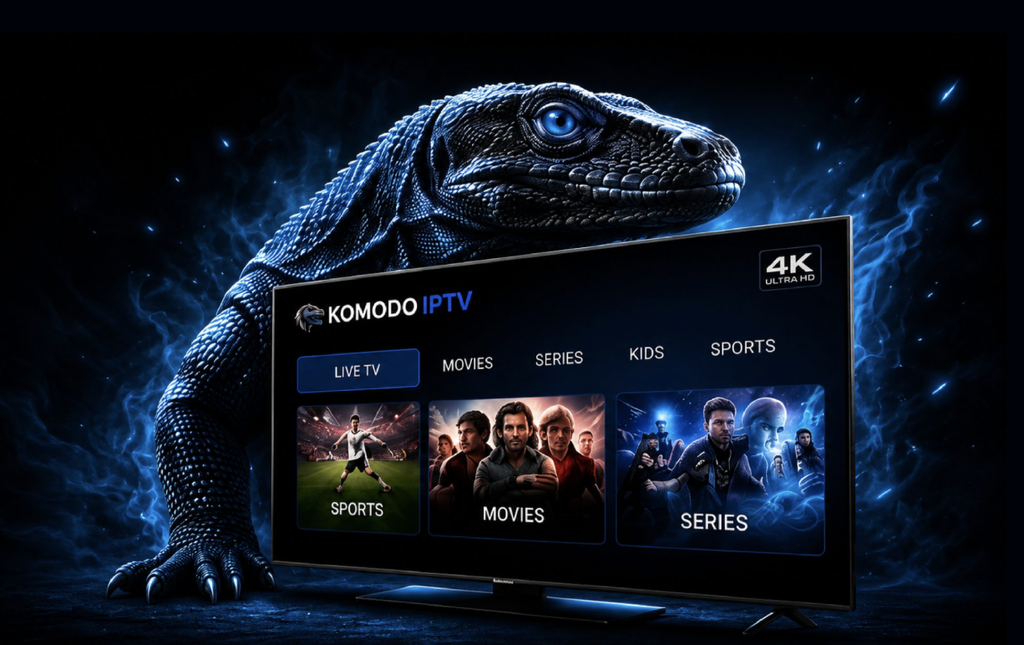
Follow our complete Komodo IPTV subscription guide for 2026. Learn how to pick the best 1-month to 12-month plan, activate your login fast, and stream in 4K.
This complete Komodo IPTV subscription guide walks you through everything you need to know before choosing a plan, activating your account, and streaming live channels in crisp 4K and Full HD. Rather than dealing with overpriced cable contracts or confusing equipment rentals, Komodo IPTV Official makes it simple to pick a prepaid package and start watching on your favorite device in minutes.
Whether you are brand new to IPTV or switching from another provider in 2026, use the step-by-step roadmap below to get set up smoothly.
Step 1: Compare Plans in This Komodo IPTV Subscription Guide
Every subscription unlocks the exact same live TV lineup, sports networks, and Video on Demand (VOD) catalog—your main choice is selecting the duration and simultaneous device connections that fit your household:
- 1-Month Plan (30 Days): Great for new users who want to test stream quality, channel variety, and EPG guide accuracy on their home Wi-Fi before committing longer.
- 3-Month Plan (Quarterly): Ideal for following specific sports seasons, tournaments, or short-term travel needs.
- 6-Month Plan (Semi-Annual): Delivers strong per-month savings while keeping your commitment to half a year.
- 12-Month Plan (Annual): Best Overall Value—offers the lowest monthly cost for households permanently replacing cable or satellite TV.
You can also pick between 1 connection (for one active screen at a time) or multi-connection packages (2 to 4+ simultaneous streams for families watching on multiple TVs at once) directly on Komodo IPTV Official.
Step 2: Complete Checkout & Receive Instant Credentials
Once you select your package, completing your order takes less than two minutes:
- Enter Your Email Carefully: Double-check your email spelling at checkout so your login credentials arrive without delay.
- Complete Encrypted Payment: Pay securely using your preferred checkout method with zero surprise auto-renewal contracts or hidden broadcast fees.
- Check Your Inbox for Xtream Codes & M3U Details: Shortly after payment confirms, you will receive your server URL, username, password, and M3U playlist link.
Step 3: Install & Activate on Any Streaming Device
Another highlight of this Komodo IPTV subscription guide is broad cross-device support—you can use the hardware you already own without buying dedicated set-top boxes:
- Amazon Firestick & Android TV: Install IPTV Smarters Pro or TiviMate, choose Login with Xtream Codes API, and enter the credentials from your welcome email.
- Samsung & LG Smart TVs: Download a compatible player from your TV app store (such as IBO Player or Smarters Pro) and upload your M3U playlist URL.
- Smartphones, Tablets & Computers: Stream on iOS, Android, Windows, or Mac using mobile IPTV players or VLC Media Player. For detailed device instructions, check our Komodo IPTV Setup Guide.
Pro Tips for Smooth, Buffer-Free 4K Playback
- Verify Your Internet Speed: Run a quick check on Speedtest by Ookla—at least 20 Mbps ensures crisp 4K and Full HD streaming without buffering.
- Use 5GHz Wi-Fi or Wired Ethernet: Connecting your Smart TV or streaming box via Ethernet (or 5GHz Wi-Fi) maximizes stability during live sports and PPV broadcasts.
- Renew Early to Avoid Downtime: Extend your package 2 to 3 days before expiration so your playlist stays active continuously.
Frequently Asked Questions (FAQ)
What is included in every Komodo IPTV subscription guide package?
All subscription tiers include thousands of international and local live TV channels, live sports, major PPV events, an extensive 4K/HD on-demand movies and series library, and EPG TV guide support.
Can I install my subscription on more than one device?
Yes. You can install your login on multiple devices (such as a Firestick and smartphone), though the number of screens streaming at the exact same time depends on whether you select a 1-connection or multi-connection plan.
Are there any contracts or cancellation penalties?
No. Every package on Komodo IPTV Official is prepaid for your chosen 1-month, 3-month, 6-month, or 12-month period with zero contracts or cancellation fees.