
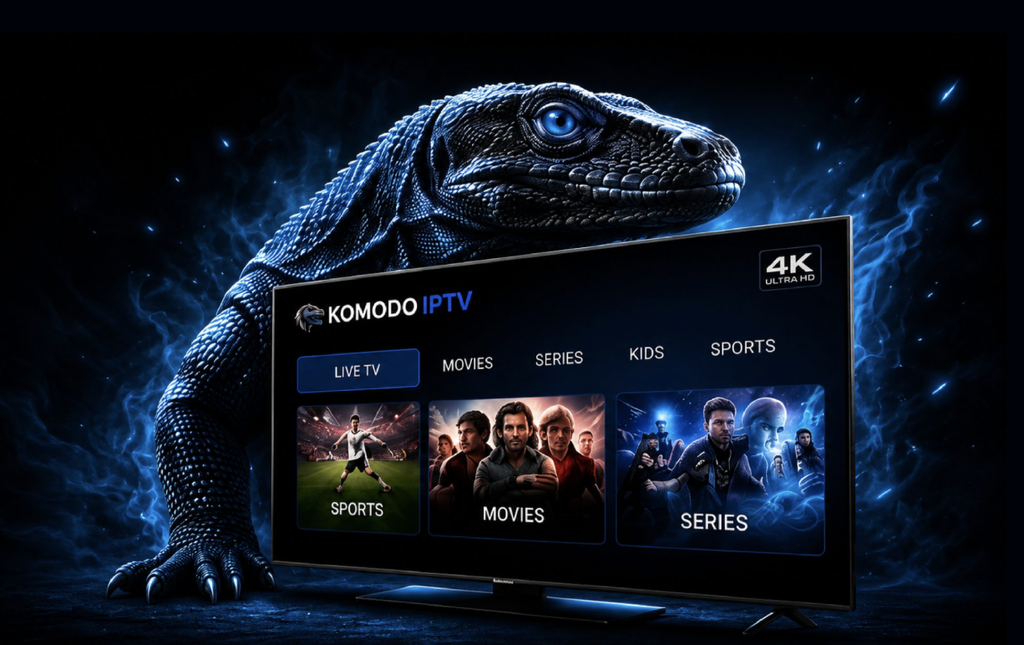
Welcome to KomodoIPTV – Official Website | Live TV Streaming the official KomodoIPTV website. Explore live TV, sports, movies, TV series, subscription plans, compatible devices, and reliable customer support.
KomodoIPTV: Official Website, Streaming Features, Subscription Plans and Complete Guide
Are you searching for KomodoIPTV and looking for information about its streaming service, subscription options, and supported devices? Welcome to the official Komodo IPTV website, where you can explore service information, setup guidance, and customer support.
KomodoIPTV is a brand focused on providing customers with access to a convenient streaming experience through compatible devices and applications. Whether you enjoy live television, sports, movies, or TV series, understanding the available features and subscription options can help you make an informed decision.
In this guide, we explain what KomodoIPTV is, how the service works, which devices may be compatible, and how new customers can get started.
What Is KomodoIPTV?
KomodoIPTV – Official Website | Live TV Streaming , KomodoIPTV is the online brand name associated with the Komodo IPTV streaming service.
The service is designed for customers who want to access television and entertainment content through compatible internet-connected devices rather than relying exclusively on traditional television equipment.
Customers searching for KomodoIPTV can visit the official website at:
The website provides information about subscription options, supported devices, setup instructions, and customer assistance.
What Can You Explore with KomodoIPTV?
A streaming service should make it easy for customers to explore different entertainment categories. Depending on the subscription and available content rights, KomodoIPTV customers may have access to several types of programming.
1. Live Television
Live television allows viewers to watch available channels through compatible streaming applications.
Customers can explore different categories of television programming and available international content, depending on their subscription.
2. Sports Entertainment
Sports programming is an important consideration for many streaming customers.
Depending on content availability and subscription access, sports categories may include:
- Football
- Basketball
- American football
- Baseball
- Hockey
- Motorsports
- Other sporting events
Customers should check the available channel lineup before choosing a subscription.
3. Movies and TV Series
Entertainment lovers can explore available movie and television series categories.
Content availability, titles, and libraries may change over time. Customers should review the current service information for details.
4. International Entertainment
Customers with different viewing preferences may be interested in international television programming.
Available channels and regional content depend on the service’s current lineup and applicable content rights.
KomodoIPTV Compatible Devices
One of the important considerations when choosing an IPTV service is device compatibility.
KomodoIPTV setup may be available through compatible applications on several types of devices, including:
- Amazon Fire TV Stick
- Fire TV Cube
- Android TV boxes
- Google TV devices
- Compatible Samsung Smart TVs
- Android smartphones and tablets
- iPhone and iPad with compatible applications
- Windows computers and laptops
- Compatible Formuler and MAG devices
Not every application works on every device. Always check the compatibility and installation requirements before getting started.
How to Set Up KomodoIPTV
Getting started with an IPTV service generally involves a few straightforward steps.
Step 1: Visit the Official Website
Visit https://komodoiptv.com/ to explore the available subscription information and setup options.
Step 2: Select a Subscription
Review the available subscription durations and connection options. Choose a plan that matches your requirements.
Step 3: Receive Your Account Information
After completing the subscription process, follow the instructions provided to receive your account credentials and configuration details.
Step 4: Install a Compatible Application
Install a compatible IPTV application on your streaming device. The correct application depends on your device and the configuration provided.
Step 5: Enter Your Login Information
Open the application and enter the required credentials or playlist information according to the setup instructions.
Step 6: Start Streaming
Once the configuration has loaded successfully, explore the available content and supported categories.
If you experience installation or login difficulties, contact customer support for assistance.
Why Is Customer Support Important?
Technical assistance can make a significant difference when setting up a streaming service.
Customers may occasionally experience problems such as:
- Login or authentication errors
- Playlist loading problems
- Missing electronic program guide information
- Application compatibility issues
- Buffering or connection interruptions
- Channels that fail to load
These problems can have different causes, including internet connectivity, device limitations, application settings, or account configuration.
KomodoIPTV customers can contact the available support team for help with account access, installation guidance, and technical troubleshooting.
Understanding KomodoIPTV Subscription Plans
Before choosing a subscription, customers should consider several important factors:
Subscription duration: Select a subscription period that matches your viewing requirements.
Number of connections: Check how many simultaneous connections are included in the selected plan.
Device compatibility: Confirm that your preferred device supports the required application.
Content availability: Review the available channel categories and entertainment options.
Customer assistance: Understand how to contact support if you need installation or technical help.
For current pricing and subscription information, visit the official KomodoIPTV website.
Frequently Asked Questions About KomodoIPTV
1. What is the official KomodoIPTV website?
The official website is https://komodoiptv.com/. Customers can visit the website to explore subscription information, setup guidance, and support options.
2. Is KomodoIPTV the same as Komodo IPTV?
Yes. KomodoIPTV and Komodo IPTV are two different ways of writing the same brand name. Both search terms refer to the Komodo IPTV brand.
3. Does KomodoIPTV work on Amazon Firestick?
Compatible Fire TV devices can support IPTV applications. Customers should follow the appropriate installation instructions and check application compatibility.
4. Can I use KomodoIPTV on a Smart TV?
Compatibility depends on the Smart TV operating system and the applications available for that model. Supported Samsung and Android TV models may offer compatible IPTV applications.
5. How do I get help with KomodoIPTV?
Visit the official website and use the available customer support options for assistance with subscriptions, installation, and technical issues.
6. How do I choose the right KomodoIPTV subscription?
Consider the subscription duration, number of connections, device compatibility, and available content before selecting a plan.
7. What internet connection do I need?
A stable internet connection is important for streaming. The recommended speed depends on video quality, the number of connected devices, and network conditions.
Discover More About KomodoIPTV
Finding the right streaming service starts with understanding its features, compatibility, subscription options, and support.
KomodoIPTV aims to provide customers with a convenient way to explore available entertainment through compatible streaming devices and applications.
If you searched for KomodoIPTV, Komodo IPTV, or the Komodo IPTV official website, visit https://komodoiptv.com/ to discover more information.
Explore the available options, review the setup instructions, and contact the support team if you need assistance.
Visit KomodoIPTV – Your Destination for Streaming Information and Customer Support.