
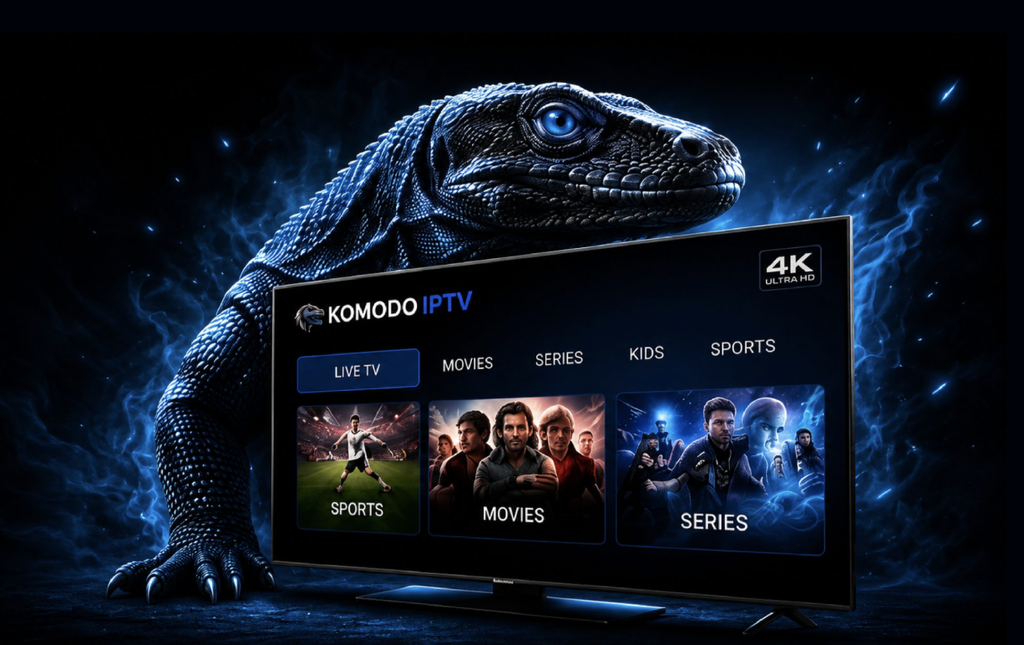
Explore how the Komodo IPTV subscription service works in 2026. Learn about instant credential delivery, 3-screen family sharing, player compatibility, and 8 core service benefits.
Choosing a dependable Komodo IPTV subscription service gives cord-cutters an all-in-one way to replace pricey cable bundles with live television, weekend sports, and on-demand cinema over standard home broadband. Instead of dealing with technician installation windows, bulky rented set-top boxes, or two-year contract penalties, a modern internet TV service activates directly on the smart screens and streaming sticks you already own.
In this 2026 operational guide to the Komodo IPTV subscription service, we walk through how account provisioning works from checkout to first stream, examine eight core service pillars, compare supported player ecosystems, and share practical tips for keeping your connection running smoothly year-round.
How the Komodo IPTV Subscription Service Works Behind the Scenes
Unlike traditional cable operators that send signals through coaxial street lines into proprietary hardware, the Komodo IPTV subscription service delivers live and on-demand video streams over standard internet protocols (IP). When you order through the official Komodo IPTV platform, your account is provisioned digitally using two universal industry standards:
- Xtream Codes API Login: A clean three-field credential set (Server URL, Username, and Password) that automatically syncs live channel folders, Video-on-Demand (VOD) posters, and the Electronic Program Guide (EPG) inside modern apps.
- M3U Playlist URL: A direct playlist link compatible with desktop media players, smart TV apps, and custom home-theater setups.
Because both formats are supported out of the box, you never get locked into a single brand of hardware or a clunky pre-installed interface.
[Image Slot 1: Insert a clean diagram or screenshot showing Xtream Codes API / smart TV streaming activation, and set its Alt Text to: Komodo IPTV subscription service]
8 Best Pillars of the Komodo IPTV Subscription Service
To understand why households choose the Komodo IPTV subscription service over fragmented streaming apps, look at eight core service advantages available on Komodo IPTV:
1. Fast Digital Delivery Within Minutes of Checkout
Once your order is confirmed, login credentials arrive via email shortly after purchase. You can copy your details straight into your preferred media player and start browsing live broadcasts in under five minutes.
2. Three Simultaneous Device Connections Included
Every standard account supports up to 3 concurrent streams. One family member can watch live football in the living room while others stream movies in a bedroom or watch cartoons on a tablet at the exact same moment.
3. Over 6,000 Live Local and International Channels
Channel directories are organized cleanly by country and category—covering US, UK, and Canadian networks alongside global news, lifestyle programming, documentaries, kids’ channels, and international broadcasts.
4. Built-In Live Sports and Pay-Per-View (PPV) Coverage
Major football leagues, combat sports fight nights, motorsports, and seasonal tournaments are bundled directly into standard accounts without separate per-event surcharges.
5. Regularly Updated On-Demand Movies & TV Series
Alongside linear television, the Komodo IPTV subscription service includes a growing VOD library featuring recent theatrical movies and complete multi-season television shows with subtitle support.
6. Integrated Electronic Program Guide (EPG)
An accurate digital TV schedule displays current and upcoming air times across major channels, giving smart TVs and streaming sticks the familiar grid layout of traditional digital cable.
7. 100% Prepaid, Contract-Free Account Management
There are zero early termination fees, hidden broadcast taxes, or equipment leases. Subscribers stay in full control of renewals, upgrades, and billing durations.
8. Cross-Platform Freedom Across Home and Mobile Screens
One set of credentials works across living-room TVs, bedroom streaming sticks, smartphones, tablets, and laptops—making it easy to keep watching while traveling or commuting.
[Image Slot 2: Insert a screenshot showing live TV channels and VOD categories running on a smart TV or tablet, and set its Alt Text to: live channels and VOD streaming interface]
Device & Player Ecosystem Matrix (2026)
Because the Komodo IPTV subscription service connects via standard Xtream Codes and M3U protocols, you can pair it with the best media player for each screen in your home:
| Device Platform | Top Recommended Player Apps | Login Method | Standout Advantage |
|---|---|---|---|
| Amazon Fire TV Stick & Android TV | TiviMate / IPTV Smarters Pro | Xtream Codes API | Instant channel zapping & customizable grid EPG |
| Samsung & LG Smart TVs | IBO Player / SmartOne IPTV | M3U URL / Portal | Runs natively on TV without an external stick |
| iPhone, iPad & Android Mobile | IPTV Smarters Pro / GSE Smart IPTV | Xtream Codes API | Touch-friendly search & picture-in-picture viewing |
| Windows PC & MacBook | IPTV Smarters Desktop / VLC | Xtream Codes / M3U | Easy big-monitor multitasking |
Related Reading: Want to compare individual billing durations before choosing your plan? Explore our active subscription plans overview and transparent pricing breakdown.
4-Step Activation Guide for New Subscribers
Setting up the Komodo IPTV subscription service on your primary television takes less than five minutes:
- Test Your Home Internet Speed: Run a quick baseline check on Speedtest by Ookla to ensure at least 25 Mbps download speed for HD streams and 50 Mbps+ for 4K or multi-room streaming.
- Choose a Billing Cycle on the Storefront: Visit the Komodo IPTV homepage to pick a flexible 30-day monthly plan or a discounted 12-month yearly plan.
- Install Your Media Player App: Download TiviMate or IPTV Smarters Pro from your streaming device’s app store.
- Enter Credentials and Sync: Open the app, choose Add Playlist via Xtream Codes API, input your Server URL, Username, and Password, and wait 30 to 60 seconds for channels and the EPG schedule to load.
[Image Slot 3: Insert a step-by-step setup graphic showing the 4 activation steps on Firestick or Smart TV, and set its Alt Text to: 4-step IPTV activation and setup guide]
Best Practices for Long-Term Account & Stream Reliability
To keep the Komodo IPTV subscription service running at peak performance every evening, follow three simple habits:
- Use Wired Ethernet or 5GHz Wi-Fi: Older 2.4GHz Wi-Fi bands suffer from household interference. Connecting via Ethernet or 5GHz Wi-Fi prevents packet loss during live weekend sports.
- Pair with a WireGuard VPN During Prime Time: Several internet service providers throttle sustained video traffic between 7:00 PM and 11:00 PM. Running a lightweight VPN keeps routing speeds consistent and private.
- Pin Your Top 20 Channels to Favorites: Organizing your most-watched news, sports, and movie networks into a Favorites folder makes daily navigation effortless for everyone in the house.
[Image Slot 4: Insert a lifestyle photo or embedded video tutorial showing smooth multi-room home streaming, and set its Alt Text to: multi-room home streaming optimization]
Helpful Resource: Want to read hands-on testing results and real subscriber feedback? Check out our overall Komodo IPTV review and verified customer reviews roundup.
Frequently Asked Questions (FAQ)
(Tip: In WordPress, click “+” and select FAQ by Rank Math to paste these four Q&As for Google Rich Snippet schema!)
What makes the Komodo IPTV subscription service different from cable TV?
The Komodo IPTV subscription service delivers 6,000+ live channels, PPV sports, and on-demand movies directly over your existing internet connection with zero long-term contracts, zero box rental fees, and up to 3 simultaneous device connections included.
How quickly do I receive my login details after ordering?
Credentials are delivered digitally via email shortly after checkout so you can configure your media player and start streaming within minutes.
Can I install the player app on more than three devices?
Yes. You can install your player app on as many TVs, phones, and tablets as you own, while up to 3 devices can stream actively at the exact same moment under a standard plan.
Is it better to start with a monthly plan or a yearly plan?
If you are testing your home Wi-Fi setup for the first time, starting with a prepaid 30-day plan lets you verify peak-hour playback before upgrading to a discounted annual subscription.