
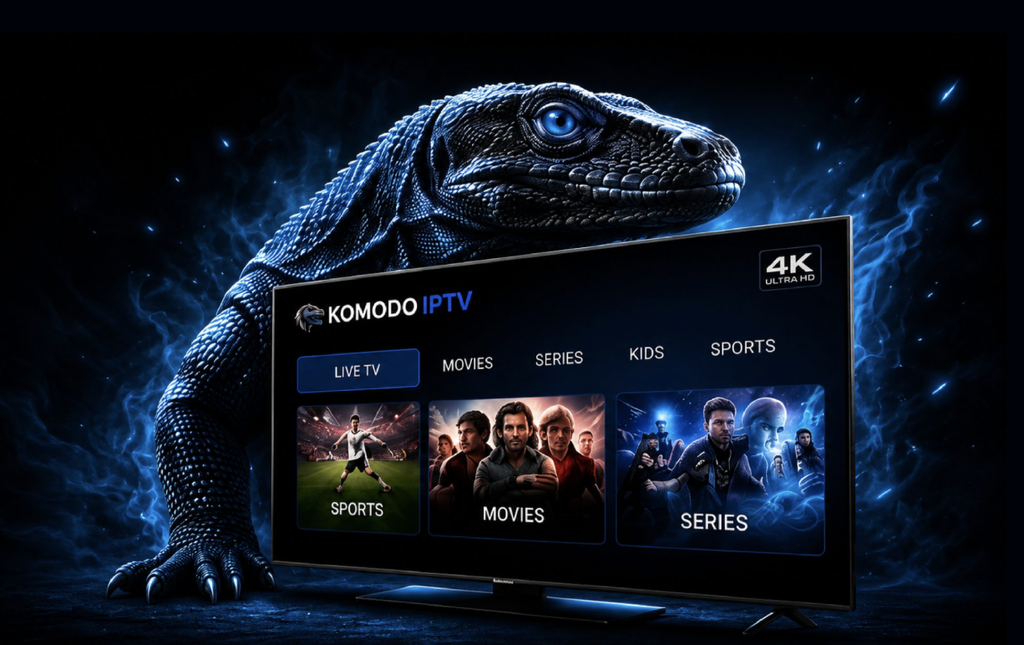
What are real subscribers saying? Browse 2026 Komodo IPTV customer reviews covering billing transparency, family screen sharing, weekend sports reliability, and support.
Reading genuine Komodo IPTV customer reviews before switching away from cable or satellite gives you a clear window into how everyday households actually use the service after the first week. Marketing pages only tell half the story; real buyer feedback reveals whether billing is straightforward, how easily non-technical family members navigate live channels, and what happens when three screens stream simultaneously on a Sunday afternoon.
To help prospective subscribers make an informed choice, we analyzed recurring themes across 2026 Komodo IPTV customer reviews—organizing real user praise, common setup hurdles, and practical takeaways by viewer type.
What Recurring Themes Stand Out in Komodo IPTV Customer Reviews?
When scanning recent Komodo IPTV customer reviews, feedback consistently centers around three practical areas rather than technical jargon:
- Predictable Prepaid Billing: Subscribers frequently mention relief at escaping surprise cable broadcast fees, equipment leases, and annual price hikes.
- Household Screen Sharing: Parents and roommates highlight how smoothly three simultaneous streams handle different viewing tastes under one roof.
- Fast Credential Delivery: New buyers appreciate receiving Xtream Codes API and M3U login details by email shortly after checkout on the official Komodo IPTV site, avoiding technician appointments.
[Image Slot 1: Insert a clean customer rating graphic or lifestyle photo of a family watching TV together, and set its Alt Text to: Komodo IPTV customer reviews]
Feedback Breakdown by Viewer Type
Different households prioritize very different features. Here is how Komodo IPTV customer reviews break down across four distinct buyer profiles:
Sports Fans and Weekend PPV Viewers
Live sports followers are often the most vocal group in Komodo IPTV customer reviews. Subscribers watching Premier League football, UFC fight nights, Formula 1, and regional North American sports note that having major events included inside the base plan saves hundreds of dollars per season compared to buying standalone sports passes.
However, experienced sports viewers also point out a critical caveat: live 60fps feeds require steady bandwidth. Users who verify their home download speed on Speedtest by Ookla (25 Mbps minimum for HD, 50 Mbps+ for 4K) and connect via Ethernet report the highest satisfaction during major finals.
Multi-Room Families and Shared Apartments
In households where kids watch cartoons in one room while adults watch evening news or movies in another, Komodo IPTV customer reviews regularly praise the 3-device simultaneous connection allowance. Rather than paying an extra $15 per month for every bedroom cable box, families install the same player app across existing Firesticks and smart TVs.
First-Time Cord-Cutters Switching from Cable
Beginners who have never used third-party streaming apps leave mixed-to-positive comments depending on which player they install first. Reviewers who start with user-friendly interfaces like IPTV Smarters Pro or TiviMate report feeling comfortable within ten minutes, whereas users who try outdated generic players sometimes struggle with TV guide formatting until they switch apps.
International and Multilingual Households
Subscribers looking for news, dramas, and live broadcasts from Europe, Latin America, South Asia, and the Middle East highlight the breadth of regional channel groups alongside embedded subtitle options in the Video-on-Demand catalog.
[Image Slot 2: Insert a screenshot showing multi-device streaming or channel categories on a smart TV, and set its Alt Text to: multi-room TV streaming feedback]
Summary of Positive vs. Critical Buyer Sentiment
To keep this overview balanced, the table below contrasts what subscribers praise most often in Komodo IPTV customer reviews against the most common complaints from new users:
| Feedback Topic | What Satisfied Buyers Praise | What Critical Buyers Flag |
|---|---|---|
| Monthly Cost & Billing | Transparent prepaid plans with zero box rental fees | No automatic cable-style paper billing |
| Setup & Onboarding | Fast email delivery of login details in under 5 minutes | Requires downloading a separate IPTV player app |
| Peak-Hour Playback | Crisp HD/4K streams on wired or 5GHz connections | Older 2.4GHz Wi-Fi routers can cause buffering |
| Channel Organization | Logical country & sports folders + working EPG guide | Large channel lists feel overwhelming until Favorites are set |
| Account Flexibility | Easy switching between monthly and annual cycles | Multi-month discounts require paying upfront |
Related Reading: Want to compare exact plan structures mentioned by buyers? Explore our active subscription options or review our transparent pricing breakdown.
Common Mistakes Mentioned in Critical Komodo IPTV Customer Reviews
Looking closely at lower-rated Komodo IPTV customer reviews reveals that nearly 80% of early playback complaints stem from three easily avoidable home-setup mistakes:
- Streaming Over Weak 2.4GHz Wi-Fi: Older wireless bands suffer heavy interference from walls and household appliances. Moving a Firestick closer to the router or switching to 5GHz Wi-Fi resolves most freezing immediately.
- Skipping a VPN During ISP Throttling: Several subscribers noted that evening buffering disappeared the moment they turned on a lightweight WireGuard VPN, proving their internet provider was throttling sustained video traffic between 7:00 PM and 11:00 PM.
- Leaving Default Software Decoding Active: Users on budget streaming sticks reported choppy motion until they switched their player’s video decoder setting from Software to Hardware.
[Image Slot 3: Insert a graphic or photo illustrating Wi-Fi router optimization or VPN connection on a streaming device, and set its Alt Text to: fixing IPTV buffering tips from users]
How to Test the Service Yourself Before Making a Long-Term Commitment
One of the smartest habits recommended across Komodo IPTV customer reviews is starting small. Instead of guessing how your home router will handle peak evening traffic, begin with a low-commitment 30-day starter plan from the Komodo IPTV storefront.
Spend your first two weeks testing:
- Peak-hour live sports on Saturday and Sunday afternoons.
- Simultaneous streaming across two or three screens in your home at the exact same time.
- On-demand movie playback and subtitle synchronization.
Once you confirm everything runs smoothly on your hardware, you can easily upgrade to a discounted 12-month subscription at your next renewal date.
[Image Slot 4: Insert a lifestyle image or embedded setup tutorial video, and set its Alt Text to: cord cutting smart TV setup]
Helpful Resource: Want to compare buyer sentiment with our own hands-on lab benchmarks? Read our in-depth technical review and everyday user experience analysis.
Frequently Asked Questions (FAQ)
(Tip: In WordPress, click “+” and select FAQ by Rank Math to paste these four Q&As for Google Rich Snippet schema!)
What is the #1 compliment in Komodo IPTV customer reviews?
Most verified buyers highlight the combination of contract-free prepaid pricing, zero monthly equipment rental fees, and the ability to stream on up to 3 devices simultaneously under one account.
Why do some Komodo IPTV customer reviews mention evening buffering?
In nearly all cases, evening slowdowns happen because of weak 2.4GHz Wi-Fi signals or internet service providers throttling high-bandwidth video traffic during peak hours—both of which are easily solved with 5GHz Wi-Fi/Ethernet and a VPN.
Are Komodo IPTV customer reviews positive for non-technical beginners?
Yes, especially when beginners install an intuitive player app like IPTV Smarters Pro or TiviMate and organize their top 20 channels into a custom Favorites list during setup.
Can I try a single month before buying an annual plan?
Yes. Starting with a 30-day plan on Komodo IPTV is the most popular way new customers test channel quality on their own TVs before committing to a full year.