
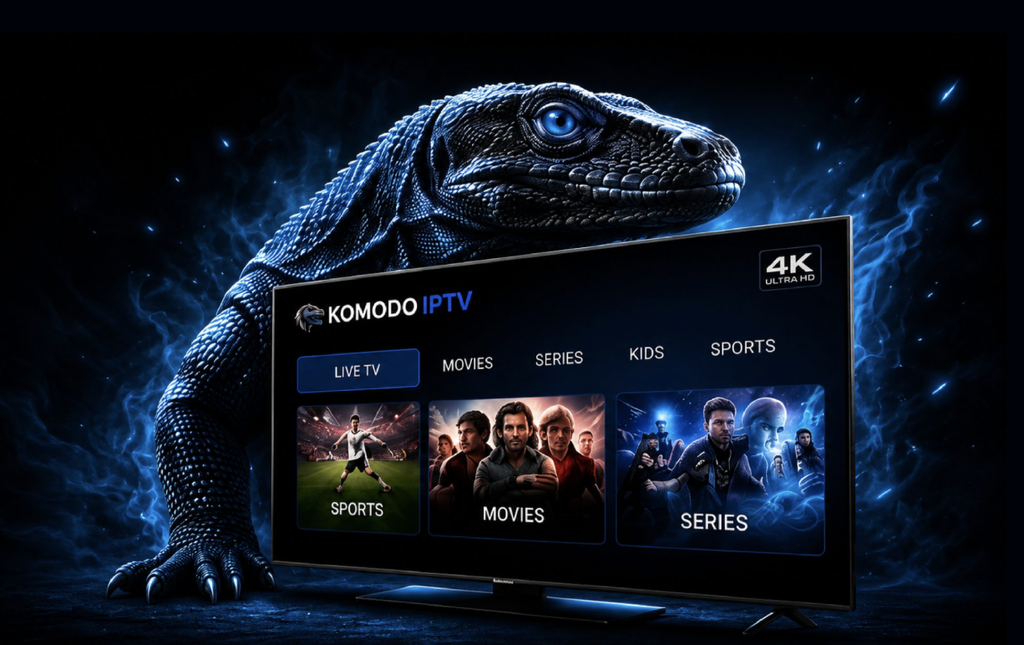
Reviewing the Komodo IPTV movie selection? Discover how its on-demand film folders, 4K streams, search filters, and player compatibility work in practice.
Many cord-cutters sign up for an IPTV subscription for live sports and news, only to realize they spend most weeknights browsing on-demand cinema. If you are evaluating the Komodo IPTV movie selection, understanding how its Video-on-Demand (VOD) library handles recent releases, classic archives, and high-bitrate playback will tell you whether it can replace standalone streaming apps. Before configuring your playlist, you can also explore our complete IPTV streaming guides for device setup tips.
How the Komodo IPTV Movie Selection Organizes Its Library
A massive catalog is only useful when you can find something great to watch in under two minutes. The Komodo IPTV movie selection arranges its film library into clean, logical categories so viewers can jump straight to a specific mood or genre:
- Recently Added & Trending Releases: Places newly uploaded digital cinema near the top of the VOD menu for fast discovery.
- Core Hollywood Genres: Dedicated sections for Action & Adventure, Psychological Thrillers, Sci-Fi & Fantasy, Drama, Stand-Up & Comedy, Horror, and Family Animation.
- World & Regional Cinema: Separate collections covering South Asian (Bollywood and regional), European, Latin American, and East Asian releases.
- Director & Franchise Bundles: Groups multi-film sagas and studio collections together so you can watch sequels in order without searching each title individually.
Picture Resolution & Subtitles in the Komodo IPTV Movie Selection
Watching a two-hour feature film demands far stronger visual and audio stability than a standard 720p news channel. Inside the Komodo IPTV movie selection, playback formatting covers the essentials modern living-room setups expect:
- 1080p HD & 4K UHD Streams: Newer Hollywood and international titles typically stream in 1080p Full HD, while select major blockbusters are available in 4K Ultra HD. Older archive titles generally play in clean 720p HD.
- Multi-Audio Track Switching: Many international films carry multiple embedded audio streams, allowing you to switch between original studio audio and dubbed tracks inside your media player.
- Built-In & External Subtitles: A large share of VOD titles includes closed captions. If a specific film lacks embedded subtitles, modern media players like VLC Media Player let you load external
.srtsubtitle files in seconds.
Best Players to Browse the Komodo IPTV Movie Selection
How smoothly you navigate the Komodo IPTV movie selection depends heavily on the player app installed on your Firestick, Android TV box, or smart TV:
| IPTV Player | Best Feature for Movies | Recommended Login |
|---|---|---|
| TiviMate IPTV Player | Netflix-style poster grid, trailer previews, and instant global search | Xtream Codes API |
| IPTV Smarters Pro | Dedicated Movies tab with IMDb ratings, cast details, and resume playback | Xtream Codes API |
| XCIPTV Player | Built-in ExoPlayer & VLC engine switching for high-bitrate 4K files | Xtream Codes API |
Pro Tip: Always sign in using Xtream Codes API credentials instead of a raw M3U URL—Xtream Codes syncs movie cover posters, release years, and plot summaries dramatically faster. If you need help setting up your app, check out our step-by-step IPTV player tutorials.
How to Prevent Buffering in the Komodo IPTV Movie Selection
Because 1080p and 4K movie files carry higher bitrates than live television broadcasts, four quick adjustments keep playback smooth:
- Use 5 GHz Wi-Fi or Wired Ethernet: Older 2.4 GHz Wi-Fi bands often struggle with sustained high-bitrate movie streams.
- Increase Video Buffer Size: Open your player’s playback settings and set the buffer size to Medium or Large.
- Switch to an External Video Player for 4K: If a 4K film stutters or loses audio sync in your app’s default player, choose Open in External Player and play it through VLC or MX Player.
- Verify Local Streaming Rules: Always check local copyright guidelines in your region and install players strictly from official app stores.
Frequently Asked Questions About the Komodo IPTV Movie Selection
How do I search for a movie inside the Komodo IPTV movie selection?
Open the built-in Search icon inside your IPTV player (such as TiviMate or IPTV Smarters) after logging in with Xtream Codes. Typing a film’s title or release year searches across every VOD folder simultaneously.
Can I pause and resume a movie later in the Komodo IPTV movie selection?
Yes. Most modern IPTV players automatically save your playback timestamp on on-demand movies, letting you resume right where you stopped.
Why do some older films play in 720p instead of 4K?
On-demand video quality matches the digital master available for each release. Recent studio films are encoded in 1080p or 4K, whereas older catalog titles remain in standard 720p HD.
What internet speed is needed for smooth 4K VOD streaming?
A steady connection of 15 Mbps handles 1080p Full HD movies easily, while 35–50 Mbps is recommended for buffer-free 4K Ultra HD playback.