
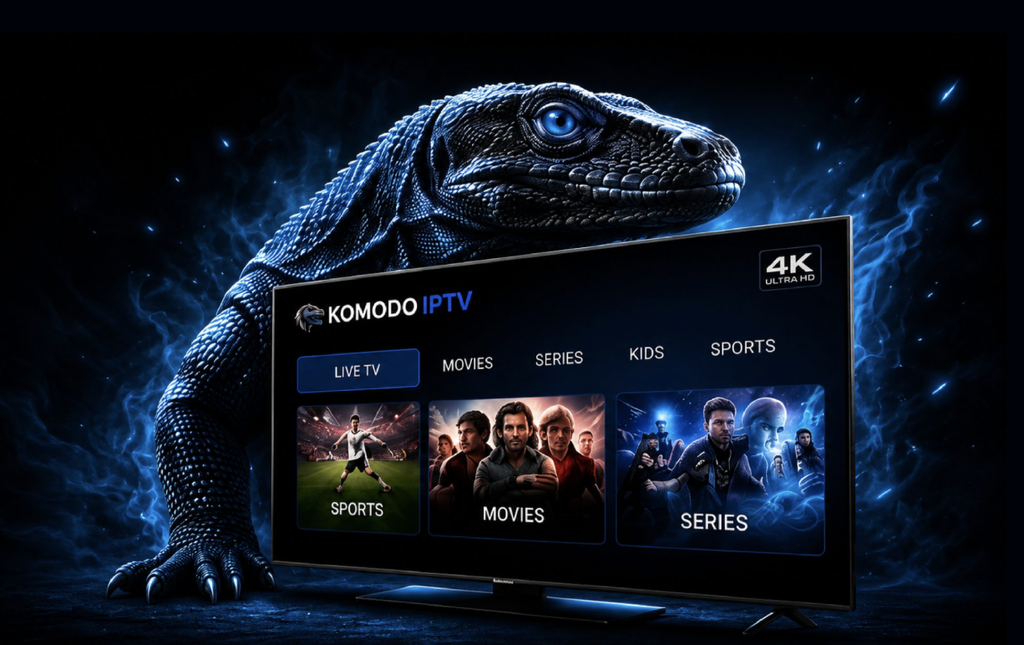
Is Komodo IPTV worth it? Explore its features, pricing, channel selection, streaming quality, device compatibility, pros and cons before choosing a subscription.
Deciding is Komodo IPTV worth it comes down to how much you currently spend on monthly cable bills and whether you have a fast, stable home internet connection. For viewers tired of paying over $100 a month for rigid TV bundles and box rental fees, switching to a contract-free internet streaming plan can cut entertainment costs dramatically while expanding live sports and movie access.
In this honest 2026 review, we break down the real pros and cons, streaming quality, device compatibility, and who benefits most from subscribing.
Is Komodo IPTV Worth It for Cord-Cutters?
For most households looking to replace expensive satellite or cable subscriptions, the answer to is Komodo IPTV worth it? is yes—provided you have at least 25 Mbps of steady broadband speed. Through Komodo IPTV, users get instant access to live television, pay-per-view (PPV) events, and an on-demand movie catalog without signing long-term contracts or renting proprietary hardware.
Instead of juggling three or four separate streaming apps every month, a single account brings everything together inside one media player on the smart TV or streaming stick you already own.
5 Honest Pros and Cons Before You Subscribe
To help you decide if Komodo IPTV fits your viewing habits, look at the key advantages alongside a few practical considerations:
1. Massive Channel and Sports Selection (Pro)
Every plan unlocks over 6,000 live television channels—including local stations, international networks, major football leagues, UFC, boxing, and live PPV events—at no extra per-event fee.
2. Up to 3 Simultaneous Device Connections (Pro)
Standard packages support up to 3 screens streaming at the exact same moment, making it easy for family members to watch different shows in separate rooms.
3. Zero Contracts or Equipment Rental Fees (Pro)
All plans are 100% prepaid and contract-free. Because you stream via apps on your own Firestick, smart TV, or phone, you never pay monthly box rentals or early cancellation fees.
4. Requires Strong Home Internet Speed (Con)
Unlike traditional satellite dishes, internet television depends entirely on your broadband stability. You should run a quick check on Speedtest by Ookla to ensure at least 25 Mbps for HD streams and 50 Mbps or higher for 4K playback.
5. Third-Party Player Setup Required (Con)
Instead of a single proprietary cable box, you will need to install a trusted media player app (such as TiviMate, IPTV Smarters Pro, or IBO Player) and enter your Xtream Codes API or M3U credentials—though setup takes under five minutes.
Related Guide: Want to compare exact plan rates and billing durations? Read our full breakdowns of Komodo IPTV Pricing and Komodo IPTV Subscription Plans.
Komodo IPTV vs. Traditional Cable TV: Value Comparison
If you are still weighing is Komodo IPTV worth it? compared to keeping your current cable provider, review how the two options stack up:
| Feature | Komodo IPTV | Traditional Cable TV |
|---|---|---|
| Monthly Cost | Budget-friendly flat rate | $110–$160/month average |
| Contract Lock-In | None (cancel anytime) | 12- to 24-month contract |
| Hardware Fees | $0 (uses your own devices) | $10–$25/month per cable box |
| Live Sports & PPV | Included in base subscription | Expensive sports tiers + PPV fees |
| On-Demand Library | Thousands of movies & series included | Limited or pay-per-rental |
Helpful Resource: Deciding which billing cycle fits best? Compare our Komodo IPTV Monthly Subscription and Komodo IPTV Yearly Subscription guides.
Supported Devices and Quick Setup Overview
Every plan on Komodo IPTV works across almost any modern screen:
- Streaming Sticks & Boxes: Amazon Fire TV Stick, NVIDIA Shield TV, Chromecast with Google TV, and Android TV boxes.
- Smart Televisions: Samsung, LG, Sony, and TCL smart TVs.
- Mobile & Desktop: iPhone, iPad, Android smartphones and tablets, Windows PCs, and MacBooks.
To get started, install an IPTV player app, enter the login credentials sent to your email after checkout, and wait 30 to 60 seconds for your live channels and Electronic Program Guide (EPG) to sync.
Frequently Asked Questions (FAQ)
Is Komodo IPTV worth it if I mostly watch live sports?
Yes. Live sports, international sports networks, and major pay-per-view events are included in every standard plan on Komodo IPTV without extra add-on fees.
Should I start with a monthly plan first?
Yes. If you are testing streaming quality on your home Wi-Fi for the first time, starting with a 30-day plan lets you test peak-hour playback before upgrading to a longer bundle.
Does using a VPN improve streaming reliability?
Yes. Pairing your connection with a reputable VPN helps prevent internet service providers from throttling video traffic during busy evening hours while keeping your connection private.